
A Quickstart Guide to Hackathons
Throwing together a revolutionary new product that shakes the world to its core and permanently changes humans' relationship with technology in less than 24 hours might sound hard, but it's really not.
All you need is an idea and the tools to implement it. For example:
~ Previous Projects ~
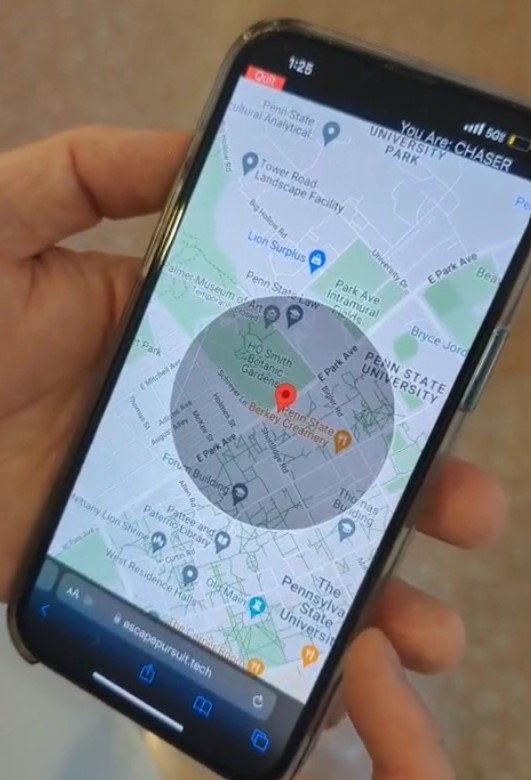
Escape Pursuit (HackPSU Spring 2024)
This online game adds an online component to hide-and-seek: both the hider and the seekers bring up the game on their phones, and then when the hider hides, the seekers are shown a randomly-placed circle on the map that the hider is somewhere within. The hider can explore a wide range of possible hiding spots, across a whole college campus, for example, but the game stays fair.
This simple enhancement to an age-old pastime shows how technology can be integrated with the real world in a new way to create something fun.
Tech: Angular, MongoDB, Google Maps, Cloudflare Workers
View on Devpost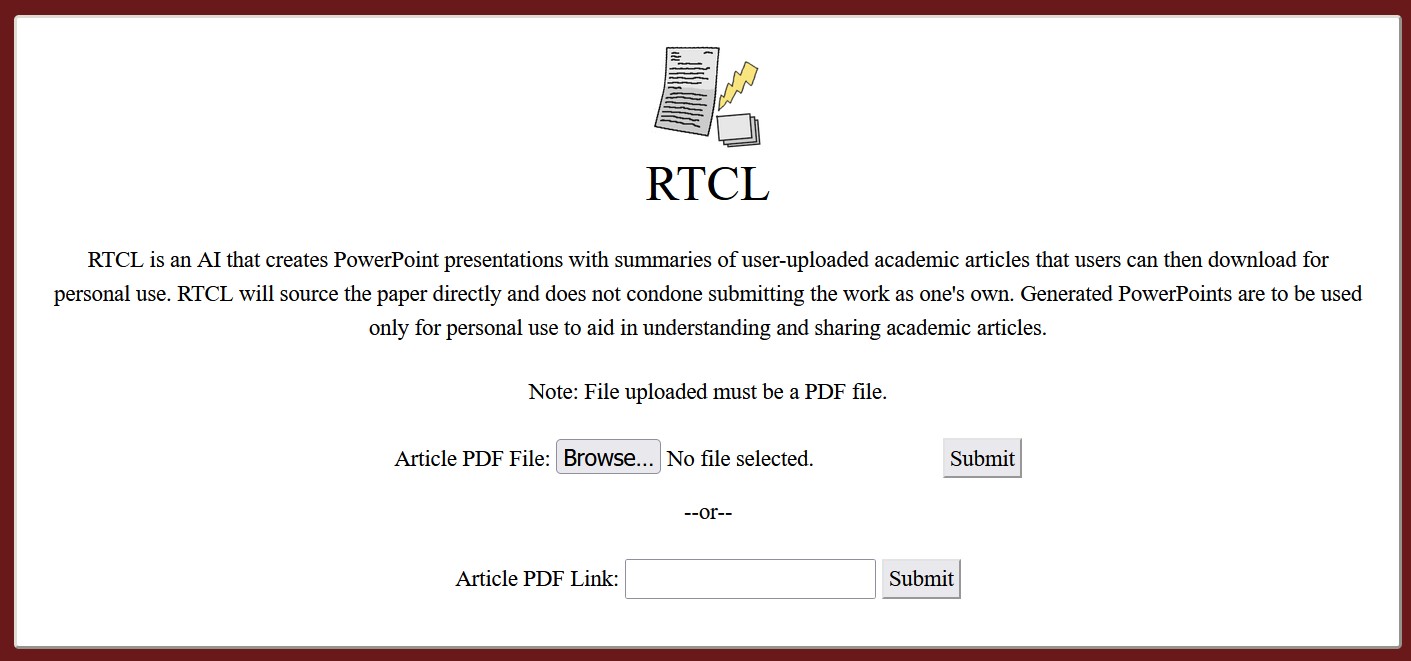
RTCL (KHE 2022)
This was a Python program that read PDFs and, with the help of a language model, created PowerPoint slides that summarized their contents.
These days, everyone knows AI can do this kind of thing, but back in October 2022, before ChatGPT, this blew people's minds. This project found an application of technology that people weren't used to yet.
Tech: pdfminer, Cohere NLP, pptx
View on Devpost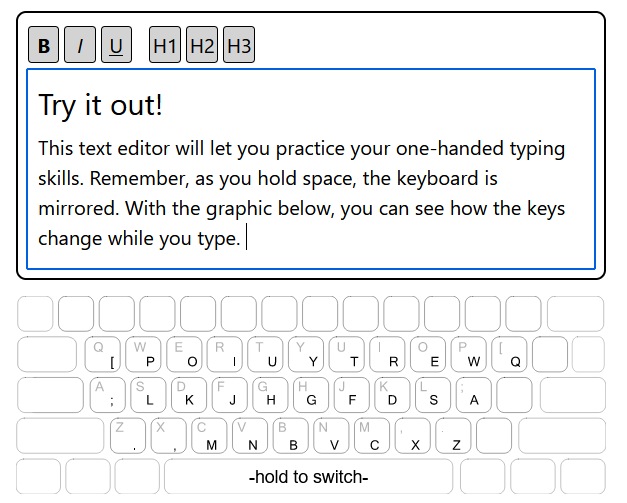
Single-Handed Typing (KHE 2022)
This was a project created by someone who once broke their arm and wasn't able to type with one of their hands. To improve this kind of situation for everyone, they decided to try to implement an old idea for a dynamic one-handed keyboard layout they found.
This project wasn't completely original, but it did iterate on a forgotten concept that then only existed in old Linux config files. Sometimes you just need someone to actually make the thing.
Tech: keyboard, PyQt, Vue, Nuxt
View on Devpost
FaunaFinder (MakeUC 2023)
This AI-based application recognizes pictures of animals, brings up information about the species of those animals, and tells you about related animals that you might also want to know about.
There is still a lot of untapped potential within the world of AI, probably, and this project used it to connect people with animals.
Tech: Flask, Google Cloud Vision, Wikipedia/animal APIs
View on Devpost
Subway Cheese Chase (MakeUC 2023)
This is simply a horror game about being in a dark Subway (restaurant) looking for your car keys.
Not every hackathon project has to be super serious!
Tech: Godot, Blender
View on Devpost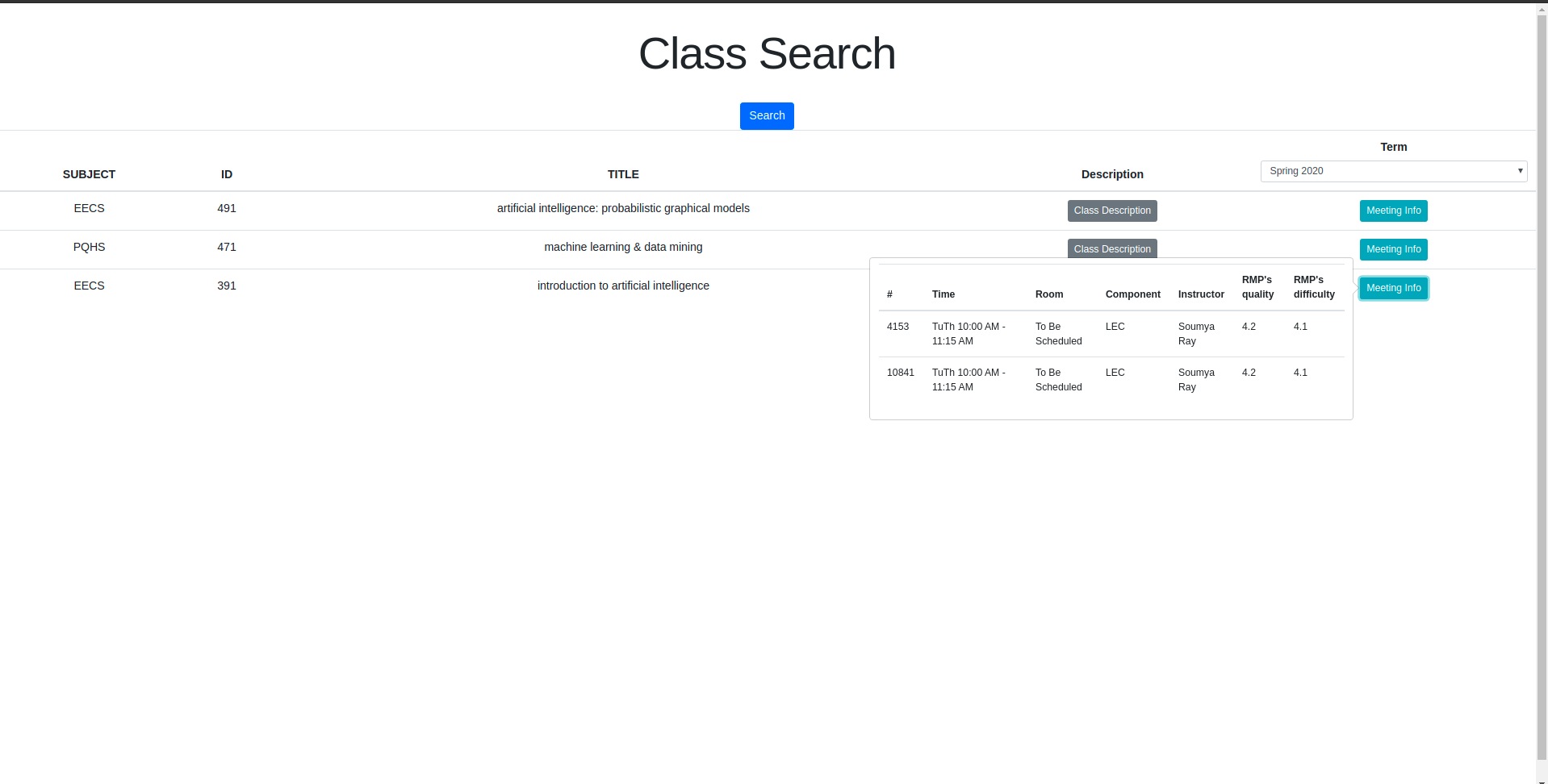
CWRU Full-Text Class Search (KHE 2019)
This was a project developed by students from Case Western Reserve University who disapproved of their university's portal for class searches. So, they scraped the content of the portal and made their own website out of it.
This project identified a part of our built environment that sucks and decided to try to fix it.
Tech: Scrapy, MongoDB, Elasticsearch, Google Cloud
View on Devpost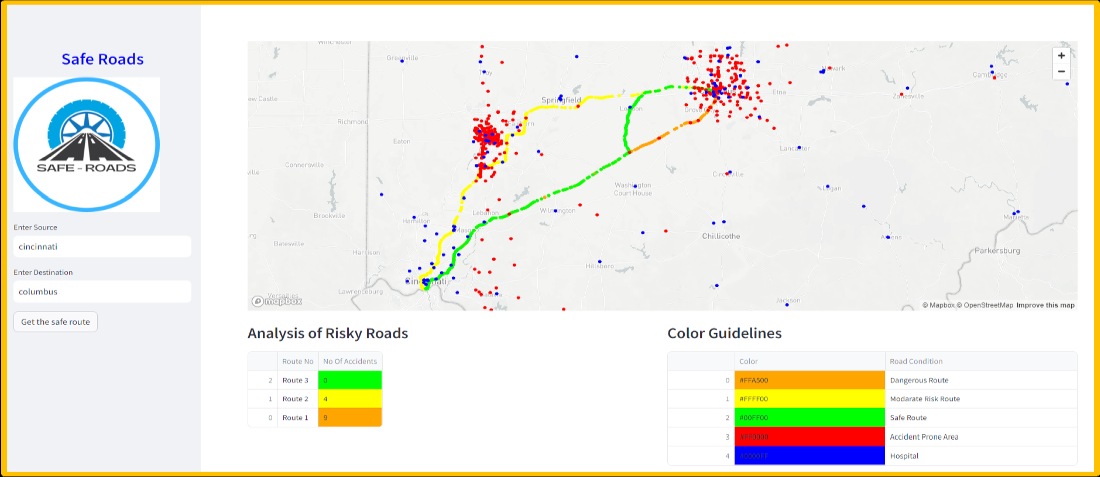
Safe-Roads (MakeUC 2023)
This project uses publicly-available maps and data to visualize how dangerous any given segment of road is. I imagine this is perfect for anyone who's already anxious about driving.
This project shows how useful public datasets from websites like Kaggle can be if given the right frame. The Internet has a ton of information on it that just needs a little bit of data science done to it to become relevant and accessible in people's lives.
Tech: Google Maps API, Streamlit
View on DevpostFor even more projects, browse the global project gallery on Devpost.
Key takeaways for success:
- Keep the scope of your project narrow - if you have an idea, try to just implement the core of it.
- Put a little hot sauce on that bad boy.
- Use libraries written in your chosen language that solve hard problems.
- Use a high-level framework that takes care of the routine details of the kind of project you're working on.
For more on those last two points, read on:
Technologies
Web Development
This is the most common way to create apps, using centralized data and computation and convenient graphical user interfaces.

The web technologies that were originally developed for the creation of Geocities pages and mailing list address forms eventually broke containment and infiltrated every single facet of the modern graphical user interface-based world.
Generally, to use them, you need to create a backend server application that can store data, make itself available on a network, and usually do most of the actual work that the thing you're making needs to do. When a web browser (aka a client) connects to it, the backend server will send client-side code to the browser that will tell the browser what to display to the user. The server application is known as the backend; the client-side code is called the frontend.
Popular backend/frontend combos:
| Backend | Frontend |
|---|---|
| None | HTML files |
| Flask (Python library) | Jinja HTML templates |
| Express.js (JavaScript library) | Interactive components using Vue & Vite |
| Next.js (JavaScript backend + React frontend components.) | |
| Serverless Functions (Vercel/Netlify) | Static site generation with Astro (The Jamstack) |
Flask with Jinja templates is popular and highly recommended for fairly straightforward static websites.
Next.js is popular and highly recommended for somewhat more polished and complex user interfaces.
Follow-up points:
- Yes, there are several zillion web development frameworks. We'll come up with one that leaves your sanity intact eventually.
- Note that you need to download Node.js to run JavaScript outside of the browser just like you need to download Python to run Python.
- Backend code can be written in any language that has a library that lets you communicate over a network. Even C++! But usually not C++.
- You don't need backend code if you just stick frontend code in HTML files and open them with your web browser, but that does make it pretty much impossible to do things like persist data or communicate with an API over the Internet.
- Frontend code must be written in HTML, CSS, and JavaScript because those are the languages web browsers understand.
APIs
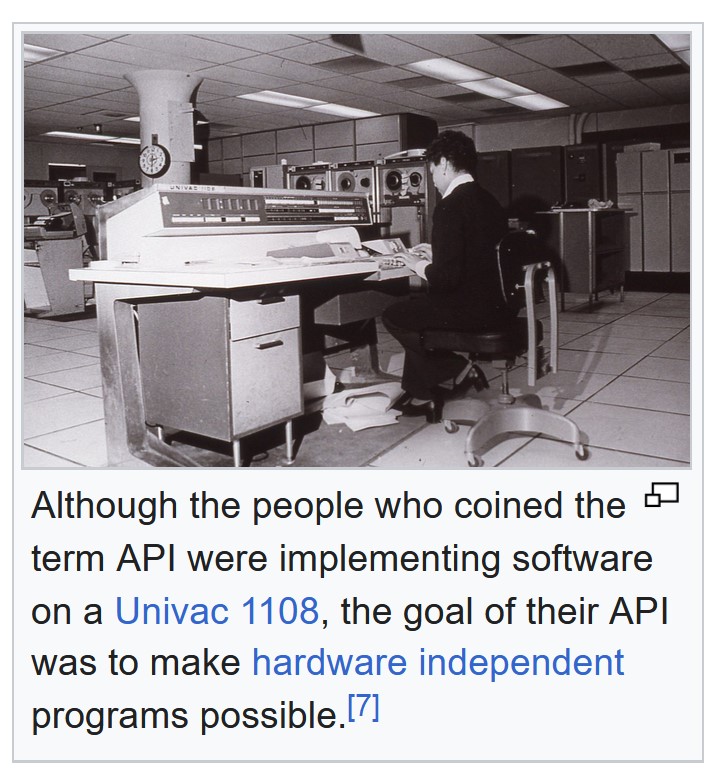
API stands for Application Programming Interface and it is a very broad term that can refer to any agreed-upon system for enabling two computer programs or libraries to interact in a constructive way.
A lot of the time, though, an API is going to turn out to be a service that provides structured data over the Internet. A classic example is the OpenWeather API. You can create an API call, which in this case requires you to identify yourself using a unique API key that you got by making an account with the service, and your program will get back data in some specified format like JSON or XML that informs it what the weather is, was, or is predicted to be in a certain area.
This is essentially a backend web server that responds to network requests with raw data, instead of with client-side code that creates a graphical user interface.
Often, libraries exist that provide pre-programmed ways to request data from any given API, like this Python library that lets you get weather data with simple function calls.
Artificial Intelligence
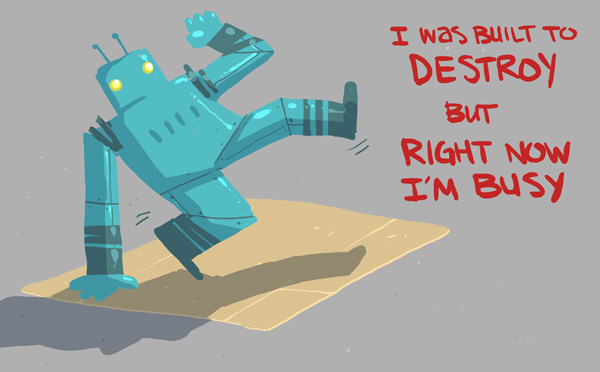
This term typically refers to technology that can make sense out of the ambiguities involved in natural phenomena like language or images in a probabilistic way.
Using existing tools via APIs
- OpenAI API: Text, images, audio. $5 free credit on sign-up.
- Google AI Tools: Gemini 1.0 Pro is free (15 req/min).
- Cohere: Free trial access to their API.
Using existing tools through libraries
- llama.cpp: Run LLMs locally.
- Hugging Face: Vast array of models using the transformers library.
- LangChain: Framework for building LLM apps.
Training brand new models
Although getting new machine learning models working takes quite a bit of ambition and patience, it is interesting to see how computers can turn data into the appearance of intelligence.
- TensorFlow: Google's ML library.
- PyTorch: Popular in academia and industry.
Note that Google Colab and Kaggle both provide Jupyter Notebook-based Python environments.
Apps!
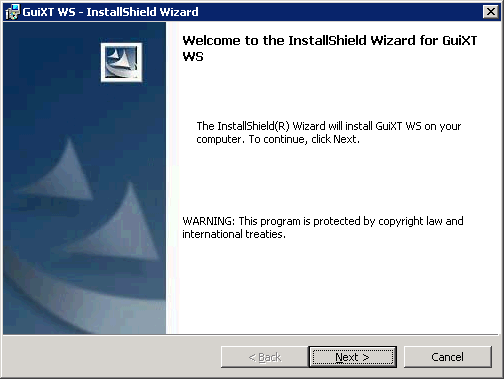
Native, installable apps can benefit in speed, look, and feel from being built to run on a specific kind of device.
Windows
WPF (C# & XAML) in Visual Studio.
MacOS/iOS
SwiftUI (Swift).
Android
Android Studio (Kotlin).
Desktop Cross-Platform
Qt (C++ or Python).
Mobile Cross-Platform
React Native or Flutter.
But:
Don't let this list of technologies hold you back!
The above is meant to be a survey of the most common ways to accomplish different tasks, not an exhaustive list of interesting bases for projects. You can ignore all of the above and build a GUI in Zig or a command line app in Lisp, as long as it does something interesting and you learn something while doing it.
This content is released under the terms of CC-BY 4.0.

